Can't update your Mac? Fixes for macOS updates that won't download, install or finish
Short answer
Most failed updates come down to four things: the Mac isn't compatible, there isn't enough free space, the download was interrupted, or the Mac went to sleep. Check compatibility first, free up storage, keep the Mac plugged in and awake, and restart before trying again. If it still fails, download the full installer from Terminal.
On this page
The update doesn't appear
- Is your Mac compatible? macOS 27 needs Apple silicon. See the compatibility list.
- Is the Mac managed by work or school? Look in System Settings › General › Device Management. Your IT team may be holding the update back.
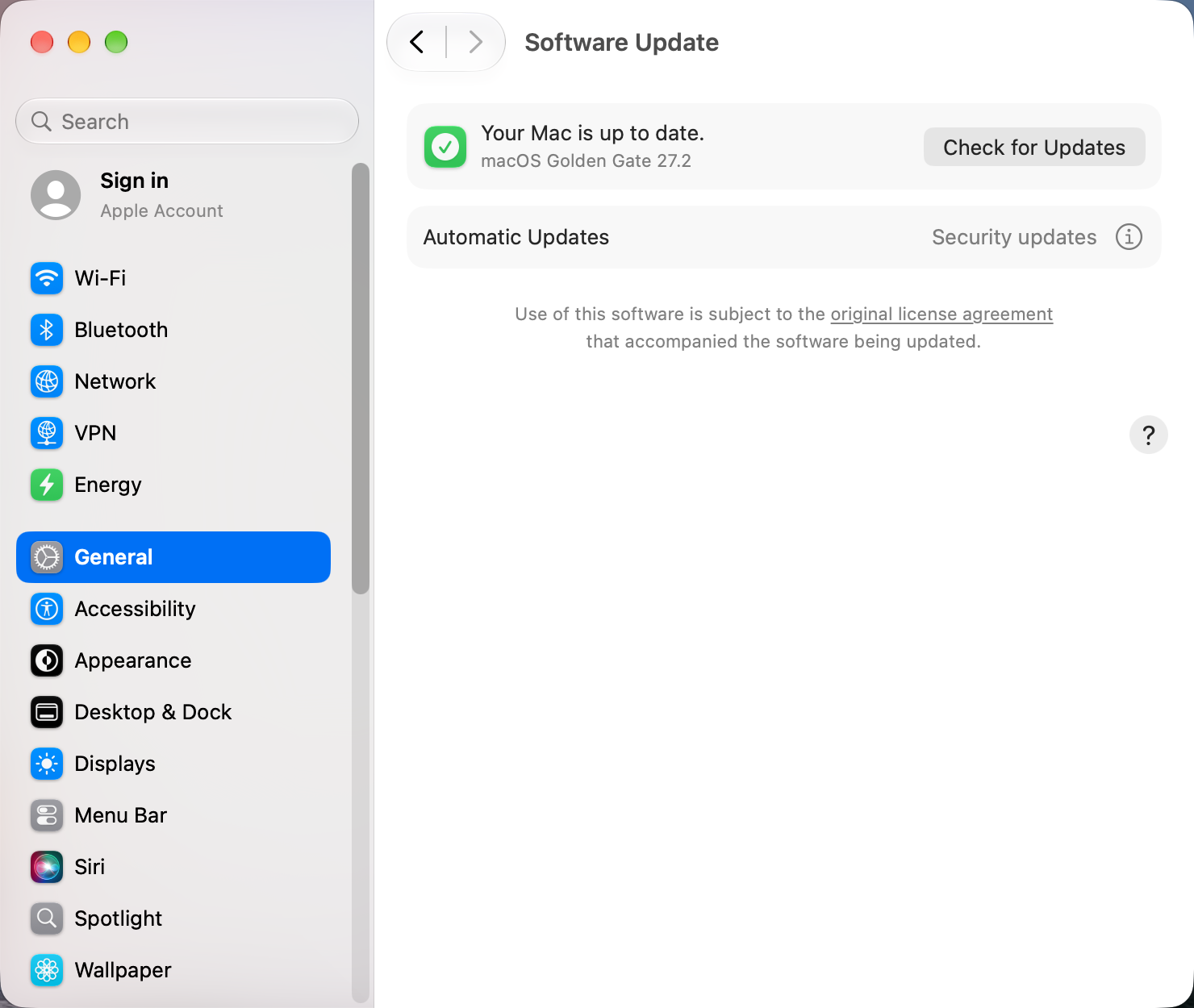
- Beta updates. In System Settings › General › Software Update, click the ⓘ next to Beta Updates and set it to Off if you don't want betas.
- Restart and check again. On macOS 27, some people saw updates fail to appear while Rosetta was installed until they restarted.
The download fails or stalls
- Free up space. Open System Settings › General › Storage and use the recommendations. Leave well over 20 GB free for a major update.
- Check Apple's System Status page for a problem with macOS Software Update.
- Turn off VPNs, proxies and content filters, or use a wired connection.
- Plug in the charger and keep the lid open, because downloads pause when the Mac sleeps.
- Restart, delete any half-downloaded Install macOS app from Applications, and try again.
Stuck on "Preparing" or a progress bar that doesn't move
Give it time, ideally overnight: the estimate is often wrong. If nothing has changed for several hours, hold the power button until the Mac turns off, turn it back on, and try again. Starting once in Safe Mode, then restarting normally, can also clear a stuck update.
Download the full installer
This gets the whole installer instead of an incremental update, which avoids many failures. List the available versions:
softwareupdate --list-full-installersDownload the newest one:
softwareupdate --fetch-full-installerThen open the Install macOS app from your Applications folder.
Last resort: reinstall from Recovery
Back up first. Start up in Recovery (on Apple silicon, hold the power button until you see startup options, then choose Options), choose Reinstall macOS, and don't choose to erase anything. Reinstalling keeps your apps and files. Afterwards, run Software Update again to get the newest version.
Sources and further reading
- Can't update to macOS 27 Golden Gate? 9 fixes to try · Switching to Mac
- System Status · Apple
- Update macOS on Mac · Apple Support
Reader tips
No tips yet. If something else worked for you, or a step looks different on your Mac, add it here.